💻 How to Keep Your Computer Clean (and Fast) in 2026
Tech Headz Tip – Winston-Salem IT & Computer Repair
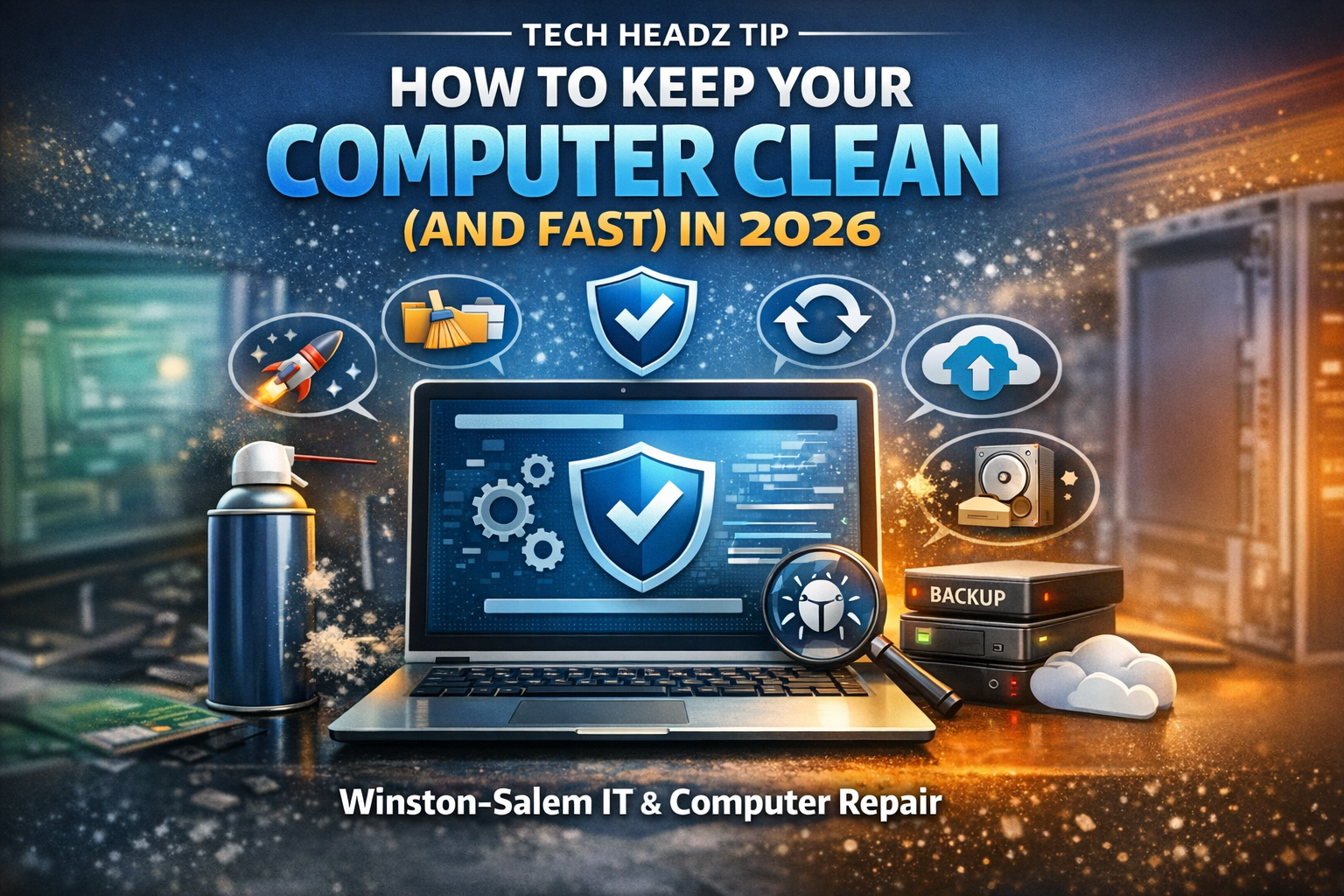
Keeping your computer clean in 2026 isn’t just about wiping dust off your keyboard—it’s about performance, security, and longevity.
Whether you’re running a home setup or managing a small business in Winston-Salem, a well-maintained computer saves you time, protects your data, and keeps everything running smoothly.
Let’s break it down 👇
🧹 1. Declutter Your System (Digital Clean-Up)
Over time, your computer gets weighed down with:
- Old downloads
- Duplicate files
- Unused software
✅ What to Do:
- Clean out your Downloads folder weekly
- Uninstall programs you don’t use
- Organize files into folders or cloud backups
👉 Pro Tip (2026): Use built-in storage tools like:
- Windows Storage Sense
- Mac Storage Optimization
🦠 2. Run Modern Security Protection (2026 Standard)
Cyber threats are smarter in 2026—and basic antivirus alone isn’t enough.
🔐 Tech Headz 2026 Picks:
- Bitdefender Total Security (Best overall protection)
- Malwarebytes Premium (Excellent for cleanup & secondary scans)
- Microsoft Defender (Solid built-in baseline)
✅ Best Practice:
- Run weekly scans
- Enable real-time protection
- Avoid unknown downloads & email attachments
👉 A clean computer is a secure computer.
🔄 3. Keep Your System Updated
Skipping updates is one of the biggest performance killers.
Why Updates Matter:
- Patch security vulnerabilities
- Improve speed & stability
- Fix bugs and compatibility issues
✅ Do This:
- Turn on automatic updates
- Restart your system at least once a week
👉 That “remind me later” button? It’s slowing you down.
🌬️ 4. Physically Clean Your Machine
Dust buildup can silently destroy performance.
⚠️ What Happens:
- Overheating
- Loud fans
- Sluggish speed
✅ Quick Cleaning Tips:
- Use compressed air for vents and fans
- Keep your PC elevated off the floor
- Clean keyboards and screens regularly
🛠️ 2026 Pick:
- Electric air dusters (better than disposable cans)
🚀 5. Optimize Startup Programs
If your computer takes forever to start, this is why.
✅ Fix It:
- Disable unnecessary startup apps
- Keep only essential services running
👉 This can instantly improve boot time and responsiveness.
☁️ 6. Backup Your Data (Before It’s Gone)
Data loss isn’t a matter of if—it’s when.
🔐 Tech Headz 2026 Backup Picks:
- Acronis Cyber Protect Home Office (Best all-in-one backup + security)
- Backblaze (Simple and affordable cloud backup)
- External SSD backups (fast and reliable)
✅ Rule of Thumb:
- 1 local backup
- 1 offsite or cloud backup
⚡ 7. Upgrade Smart (Not Replace)
Before buying a new computer, consider:
💡 High-Impact Upgrades:
- Upgrade to an SSD (massive speed boost)
- Add more RAM
- Clean install your operating system
👉 Most “slow computers” just need a tune-up—not replacement.
🔧 When to Call Tech Headz
If your system is:
- Running unusually slow
- Showing popups or strange behavior
- Crashing or overheating
…it’s time for a professional cleanup and optimization.
📍 Winston-Salem Computer Repair & IT Support
At Tech Headz, we help individuals and small businesses with:
- 💻 Computer repair & tune-ups
- 🔐 Virus removal & cybersecurity
- 🌐 Network setup & optimization
- 🧩 Small business IT support
- 💾 Data recovery & backup solutions
🧠 Final Thought
Your computer is like your car—ignore maintenance, and it will break down at the worst possible time.
A little routine care keeps everything:
- Faster
- Safer
- More reliable
📞 Need Help Fast?
👉 Don’t try to be a nerd by yourself… Call Tech Headz